How to Build a Complete Professional Waxing Kit for Wholesale
Build a waxing kit around one defined user workflow. Choose the heater first, confirm accessory compatibility, design channel-appropriate packaging, and inspect the complete kit against a fixed packing list.
- Define what the kit is supposed to achieve
- Choose the heater as the anchor product
- Build a compatibility matrix for accessories
- Design packaging for the actual sales channel
- Make instructions part of the product
- Inspect the kit as a complete unit
- Create good-better-best kits instead of one oversized bundle
Define what the kit is supposed to achieve
A professional waxing kit is not simply a heater plus random accessories. It should be designed around a clear user workflow: salon service, training, retail home use, travel/compact use, or paraffin care. The heater format determines which accessories make sense.
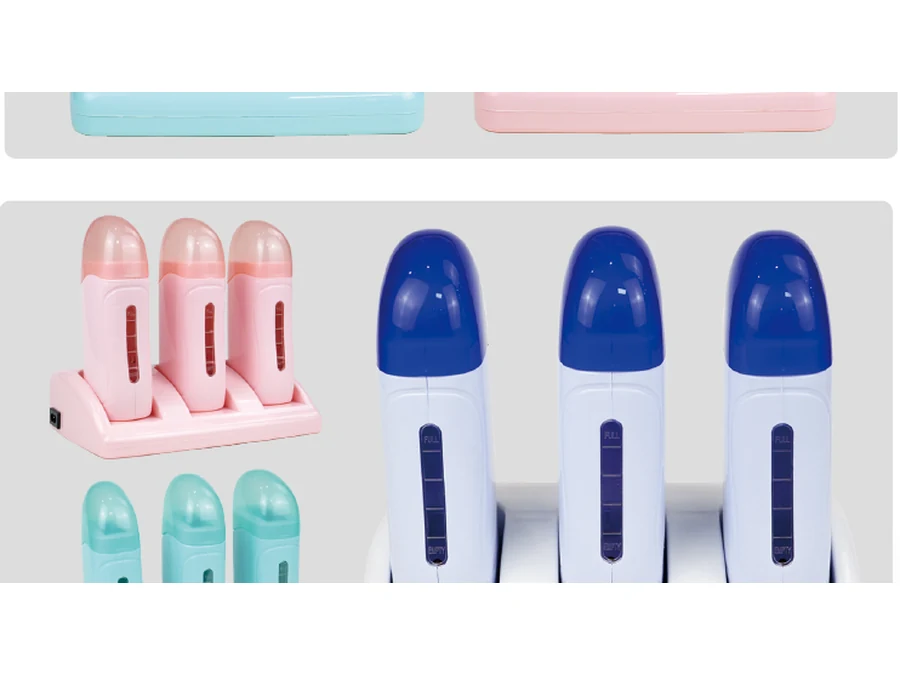
For example, a roll-on kit needs compatible cartridges and application support; a pot-heater kit may need removable pots, collars or applicators; a paraffin-care kit may require treatment-specific accessories. Compatibility and local labeling requirements must be confirmed for every included item.
Choose the heater as the anchor product
| Model | Capacity | Power | Voltage/Frequency | Category |
|---|---|---|---|---|
| YSM-6001A | 400ML | 100W | 220V/50Hz – 110V/60Hz | Digital Wax Heaters |
| SM-500B | 500ML | 100W | 220V/50Hz – 110V/60Hz | Single Pot Wax Heaters |
| SM-66 | 300ML | 80W | 220V/50Hz – 110V/60Hz | Roll-On Wax Heaters |
| SM-187 | 2000ML | 100W | 220V/50Hz – 110V/60Hz | Professional Wax Stations |
| SM-508 | 4000ML | 200W | 220V/50Hz – 110V/60Hz | Paraffin Wax Baths |
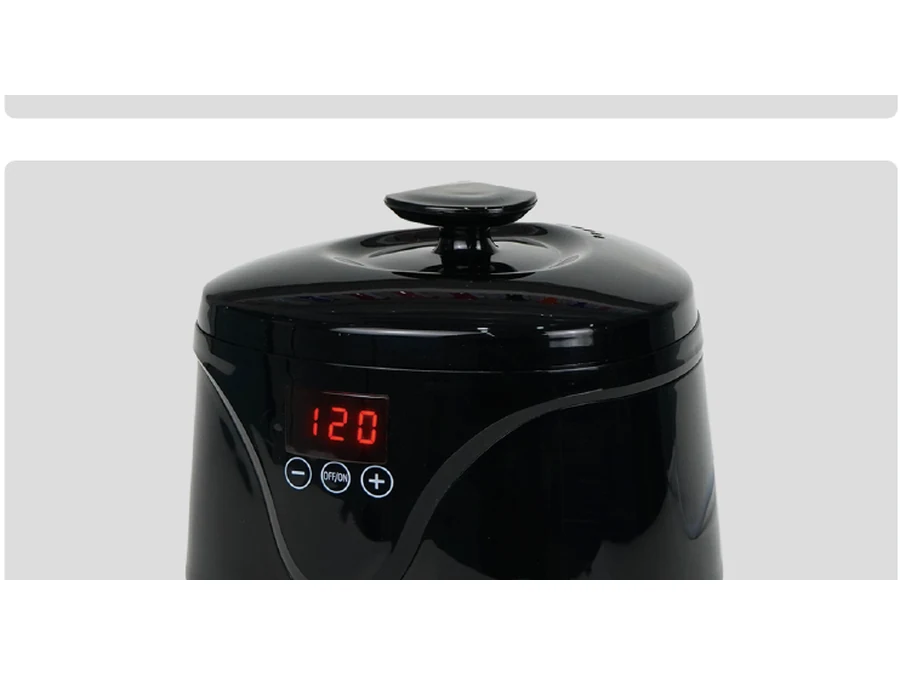
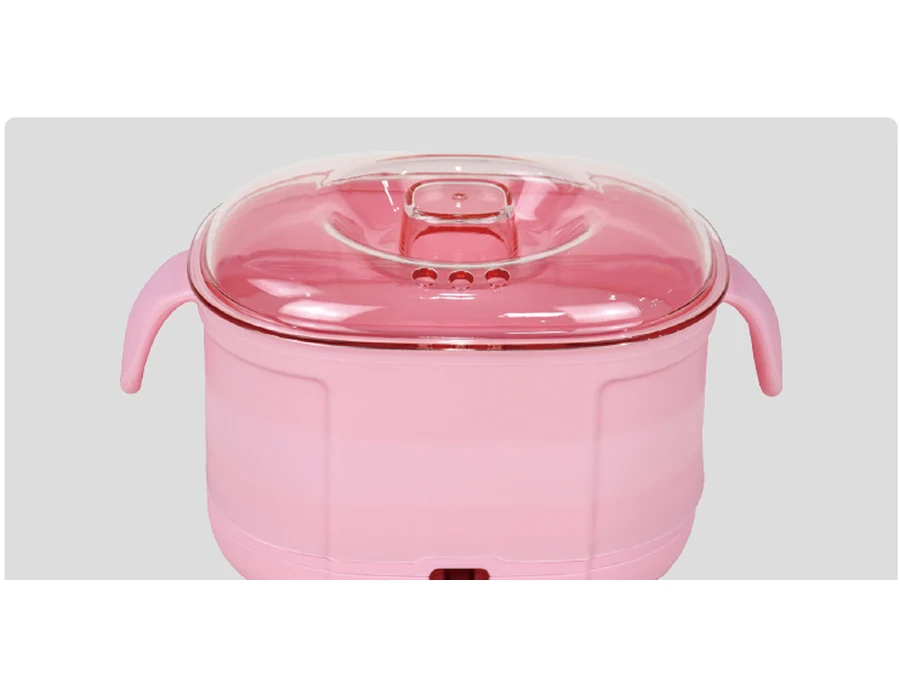
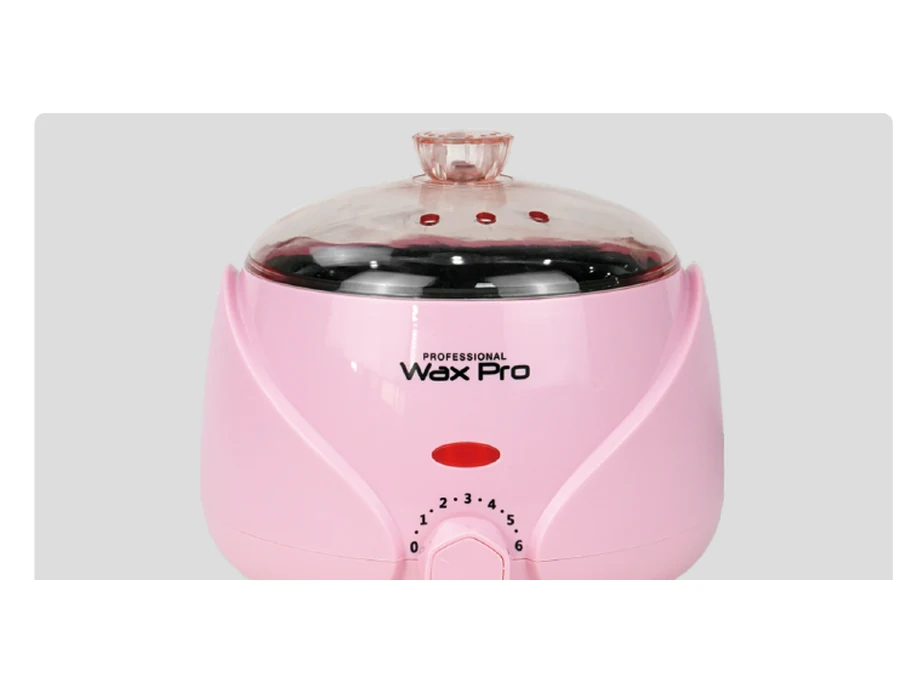
These catalog examples can anchor different kit concepts: compact digital pot, classic single pot, dual roll-on station, professional station and paraffin bath. Select the heater first so packaging dimensions, accessory compatibility and price positioning can be planned around it.
Build a compatibility matrix for accessories
List every item in the kit and mark whether compatibility is confirmed, sample-tested or still pending. This can include pots/inserts, collars, spatulas, strips, applicators, roll-on cartridges, gloves/liners and printed materials.
Do not describe optional sourcing support as an included accessory until the purchase specification confirms it. This is especially important on product pages and marketplace listings, where customers may interpret an image as part of the package.
Design packaging for the actual sales channel
Retail shelves, e-commerce parcel delivery and wholesale cartons create different packaging priorities. A retail kit needs clear component communication and branding. E-commerce kits need internal protection against repeated handling. Distributor cartons need accurate SKU, quantity and carton marks.
Create an exploded packing list and a final “what is included” photo after sample approval. This image is often more useful than a generic lifestyle image because it reduces misunderstanding.
Make instructions part of the product
The manual or instruction card should match the approved electrical configuration and control interface. If the kit contains consumables, include only verified usage guidance and required warnings. Translate content for the target market where needed.
Keep manual version numbers aligned with the model and packaging. If the supplier changes the control panel or functions, review instructions before the next production run.
Inspect the kit as a complete unit
Inspect the heater function first, then verify every accessory and printed component against the packing list. Check quantity, color, logo, labels, barcode, manual, internal protection, retail box and master carton. For multi-component kits, missing accessories are a common source of customer complaints even when the heater itself works correctly.
Create good-better-best kits instead of one oversized bundle
For distribution or private label, a clear three-level range can be easier to sell: starter kit, core professional kit and advanced/multi-pot kit. Each level should have a distinct buyer and reason to upgrade. Avoid adding accessories that do not improve the intended workflow, because unnecessary components increase cost, packaging volume and quality-control points.
Buyer FAQ
What should be the anchor item in a waxing kit?
Usually the heater or station, because its format determines compatible accessories, packaging size and user workflow.
Can consumables be included?
They can be sourced as part of a project if available, but compatibility, labeling and market requirements must be confirmed separately.
How do I reduce missing-item complaints?
Use a fixed packing list, “what is included” image, sample approval and final kit-level inspection.
Should one kit serve salons and home users?
Usually clearer positioning comes from separate kits for distinct workflows rather than one bundle trying to serve every customer.
Shortlist models before asking for a final quote
Use the catalog-listed specifications to create a short list, then send WAXLUXE one RFQ with target market, quantity, voltage/frequency, plug, branding, packaging, sample and delivery requirements. This reduces back-and-forth and makes the quotation easier to compare.
How WAXLUXE should document evidence for this topic
For every product or sourcing claim used on the public website, keep a simple evidence record. Catalog-derived facts should reference the catalog page. Sample-derived facts should reference the sample model, date and approved configuration. Test-derived claims should record the method and result. Packaging facts should reference the approved artwork and packing specification. Compliance statements should reference the exact document and model scope. This evidence hierarchy prevents sales copy, quotations and website content from drifting apart.
When a field is not yet verified, publish a transparent status such as “confirm by model” or “confirm according to target market” instead of filling the gap with a common industry value. This is useful for B2B buyers because it tells them what information must be resolved before ordering. It is also useful for AI search because the page contains specific facts and explicit uncertainty rather than confident but unsupported claims.
After the first production order, update the product record with verified details that are stable across production. Examples can include confirmed inner-pot material, control functions, included accessories, retail-box dimensions and approved electrical variants. Do not convert one buyer’s custom configuration into a universal specification for all future orders. Keep configuration-specific facts attached to the relevant SKU or version.
Finally, review buyer questions from RFQs and customer-service conversations. If the same question appears repeatedly, add a concise answer to the appropriate product page, comparison page or guide. This creates a knowledge base driven by real buyer intent rather than by keyword volume alone.
Procurement note: Before issuing a final purchase order, reconcile the public product page, quotation, approved sample, artwork and packing list. If any field differs, the signed purchase specification should state which version controls. This step is particularly important when a housing is available with multiple control panels, voltage variants or accessory combinations.
Procurement note: Before issuing a final purchase order, reconcile the public product page, quotation, approved sample, artwork and packing list. If any field differs, the signed purchase specification should state which version controls. This step is particularly important when a housing is available with multiple control panels, voltage variants or accessory combinations.
Procurement note: Before issuing a final purchase order, reconcile the public product page, quotation, approved sample, artwork and packing list. If any field differs, the signed purchase specification should state which version controls. This step is particularly important when a housing is available with multiple control panels, voltage variants or accessory combinations.
Procurement note: Before issuing a final purchase order, reconcile the public product page, quotation, approved sample, artwork and packing list. If any field differs, the signed purchase specification should state which version controls. This step is particularly important when a housing is available with multiple control panels, voltage variants or accessory combinations.
Procurement note: Before issuing a final purchase order, reconcile the public product page, quotation, approved sample, artwork and packing list. If any field differs, the signed purchase specification should state which version controls. This step is particularly important when a housing is available with multiple control panels, voltage variants or accessory combinations.
Procurement note: Before issuing a final purchase order, reconcile the public product page, quotation, approved sample, artwork and packing list. If any field differs, the signed purchase specification should state which version controls. This step is particularly important when a housing is available with multiple control panels, voltage variants or accessory combinations.
Procurement note: Before issuing a final purchase order, reconcile the public product page, quotation, approved sample, artwork and packing list. If any field differs, the signed purchase specification should state which version controls. This step is particularly important when a housing is available with multiple control panels, voltage variants or accessory combinations.
Procurement note: Before issuing a final purchase order, reconcile the public product page, quotation, approved sample, artwork and packing list. If any field differs, the signed purchase specification should state which version controls. This step is particularly important when a housing is available with multiple control panels, voltage variants or accessory combinations.